
Create your account and sign in
2 min read
Sign up, sign in with your username or phone number, and change your password.
Create a farm account
- 1Download Hurudza from the app store, or start from the Get started button on this website.
- 2Register with your name, phone number and a password, and give your farm a name.
- 3Sign in — you land on your farm's dashboard, ready to set up.
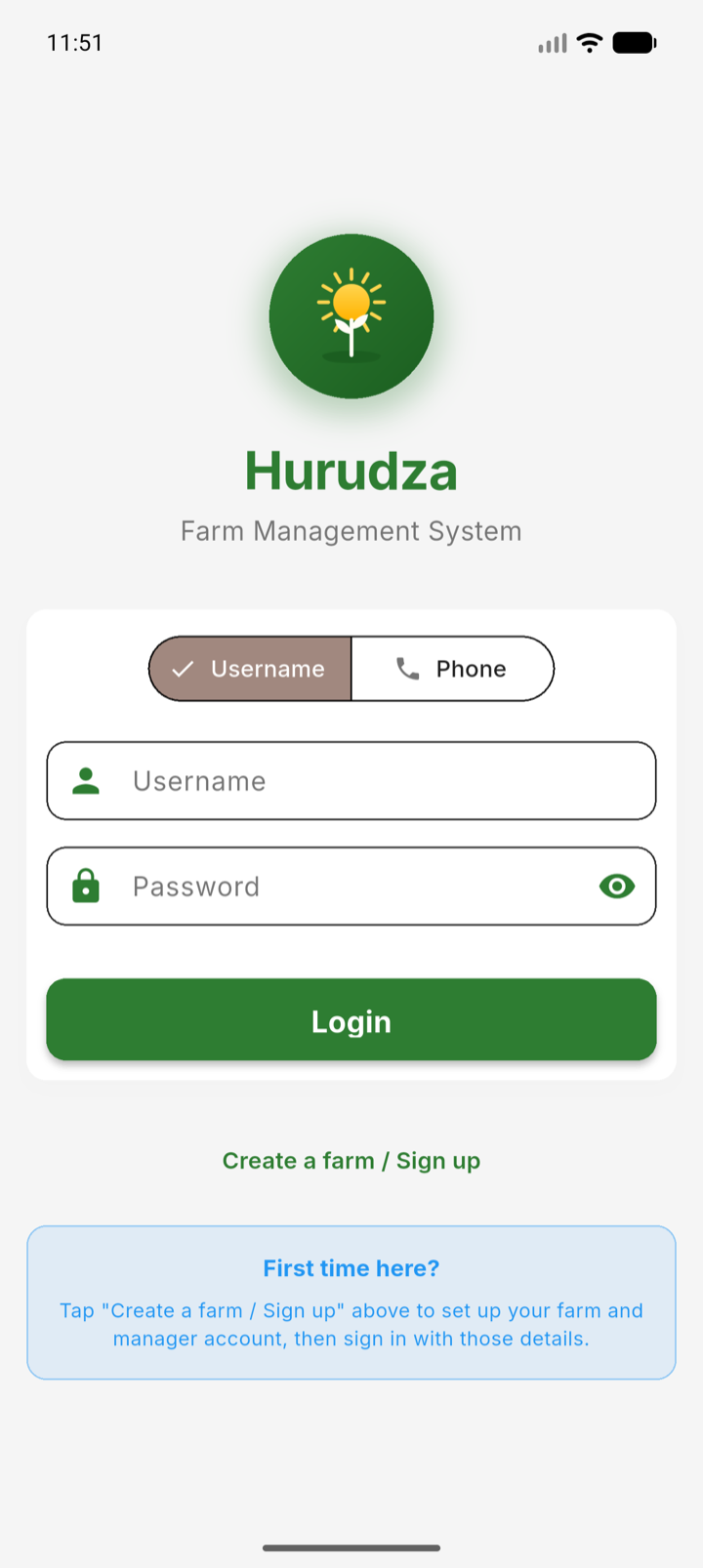
You can sign in with either your username or your phone number, plus your password. Farm workers do not register themselves — the farm manager creates their accounts under User Management, and they sign in with the details the manager gives them.
Note: If your manager created your account with a temporary password, the app asks you to choose a new password the first time you sign in.
To change your password later, open the menu and choose Change Password.