
Financial reports
3 min readManagers only
Expenses, income and profit views by period, with drill-down and export.
Reports (under Finance in the menu) turn your day-to-day records into the numbers that matter: what you spent, what you earned and what is left, for any period.
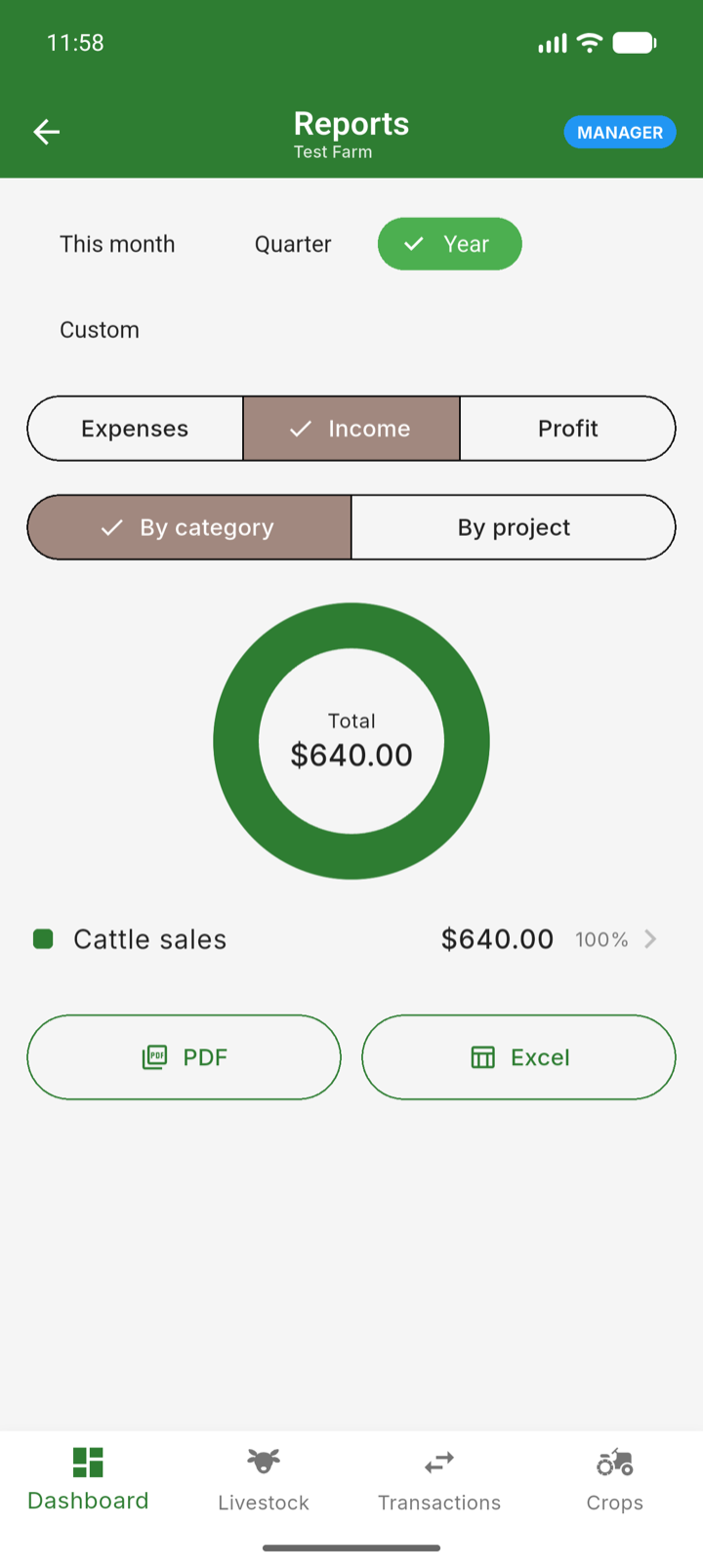
- 1Open Reports from the menu.
- 2Switch between the Expenses, Income and Profit views.
- 3Pick a period — month, quarter, year or a custom range.
- 4Read the chart for the big picture, then tap any category in the breakdown to drill into the individual transactions behind it.
- 5Export the report to a file when you need it for the bank, a partner or your own records.
Note: Reports are manager-only, and the report views available depend on your plan — the Profit & Loss view is included from the Grow plan up.